Show HN: Use your OpenAI subscription to create audiobooks
Source: pdftomp3.com
$0to PDF TO MP3
Use your subscription to process the documents. The speech generation is billed by Google or OpenAI.
01Connect your AI
In Codex, open Settings → Plugins → Add MCP server.
Choose Streamable HTTP and paste this server address.
Save, then choose Authenticate and connect your PDF TO MP3 account.
02Add your speech key
This key pays for speech only.
03Send your first document
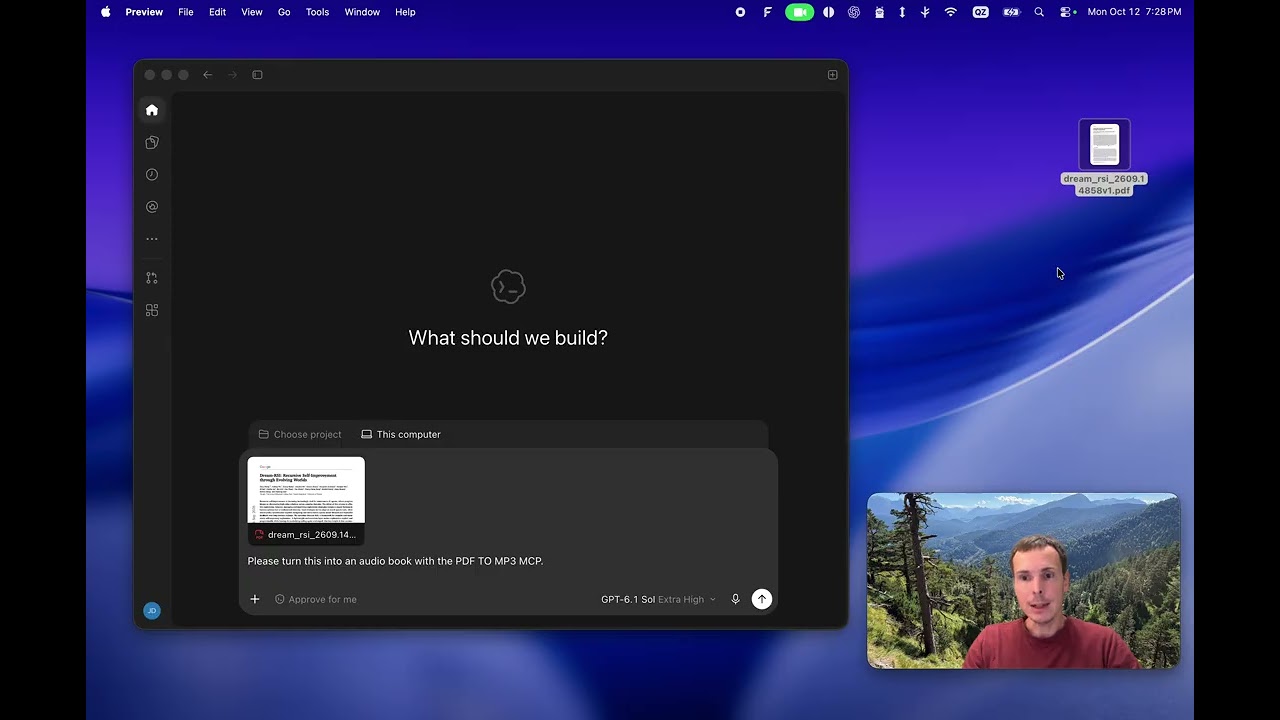
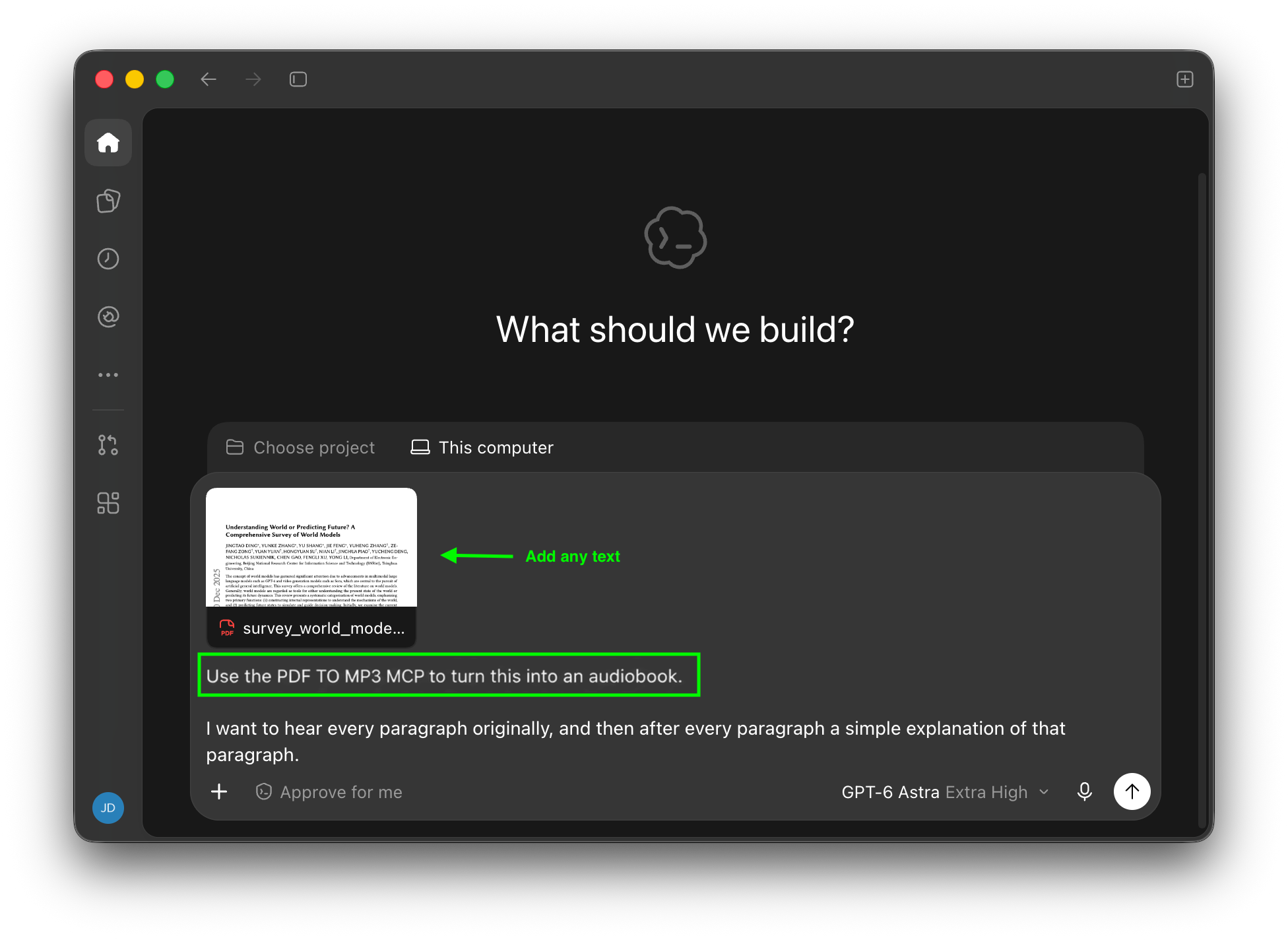
Attach a PDF in your AI chat and ask:
“Use the PDF TO MP3 MCP to turn this into an audiobook.”
Your subscription will be used for:
- document processing (via MCP)already paid by your subscription
Your API key will be used for:
- generating speechOpenAI charges per usage
Only want to connect your API key?Use my API key