CLI
The same diagnostic engine in your terminal.
The bundled CLI gives you quick snapshots, structured JSON for scripts, and watch mode when you are swapping cables during testing.
- Readable summaries for quick cable checks.
- Pipe JSON into
jq for repeatable diagnostics.
- Live updates as ports connect and disconnect with
--watch.
- Full-screen live dashboard of ports, power, and Thunderbolt with
--dashboard (Pro).
$ whatcable

USB-C Port 1
  ✓ Charging well at 96W
  Cable: 5A, 100W, USB4 40 Gbps
  Charger: 5V / 9V / 15V / 20V PDOs

USB-C Port 2
  ! Cable is limiting charging speed
  Cable: 3A, 60W, USB 2.0
  Device: External SSD, USB 10 Gbps
Does it work on Intel Macs?
No. WhatCable needs Apple Silicon (M1 or later). This is measured, not assumed: every Intel Mac in our community diagnostic data reports its USB-C port controllers as empty, so the USB-PD state and cable e-marker data WhatCable is built on never appear on those machines at all. Thunderbolt link data is still there on Intel, but the port-controller layer WhatCable reads is not.
Is it really free?
Yes. The WhatCable app is free and open source under the MIT licence. No ads, no tracking. WhatCable Pro (£9.99, optional) adds advanced diagnostics for power users. See what's included.
What does WhatCable Pro add?
Pro unlocks 16 advanced features including cable history (named cables with a recorded timeline), live power metering, Negotiation and Display Diagnostics, port health counters, PD contract inspection, and raw VDO identity. One-time £9.99, no subscription, works on up to 2 Macs. See full features and comparison.
Does it phone home or collect data?
No analytics, no telemetry, and nothing about you or your cables ever leaves your Mac. In the free app the one routine network call is a version check against the public GitHub Releases API, roughly every 6 hours. WhatCable Pro adds one more: a licence check when you activate your key, then once each time the app launches. That call sends only the key and your Mac's hardware UUID, which is how the two-Mac limit is enforced. Diagnostic data only goes anywhere if you explicitly choose to contribute it. Check the source on GitHub if you want to verify.
Does WhatCable just read the e-marker?
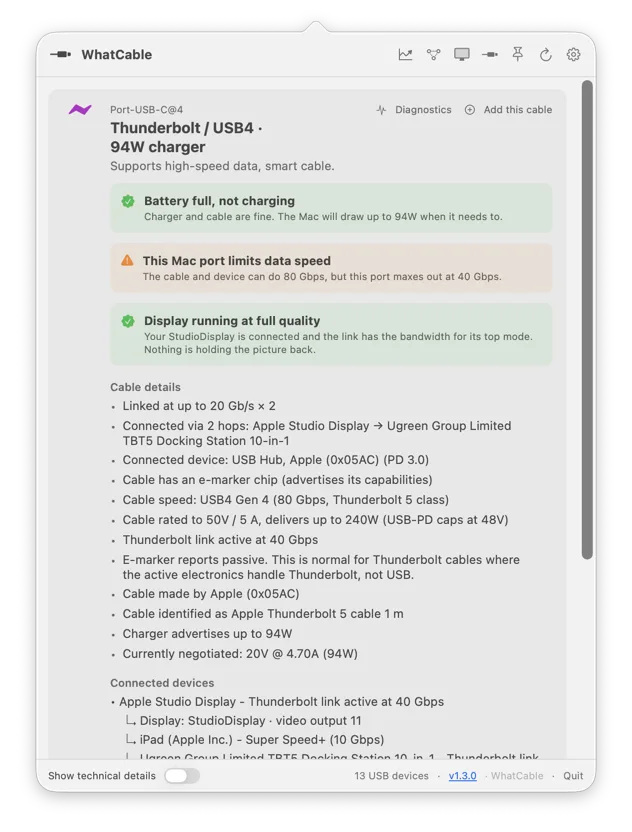
Not only. On a plain USB connection the cable's e-marker chip is all macOS exposes, so that is what WhatCable shows. But on a Thunderbolt or USB4 connection it goes further: it reads the speed the Mac's controller actually negotiated with the cable and shows it next to the e-marker's claim, so a cable that under-reports itself is caught. The measured speed is a floor, meaning at least this fast, so a genuine 10 Gbps cable that never forms a Thunderbolt link really is 10 Gbps.
Why does my cable show no e-marker data?
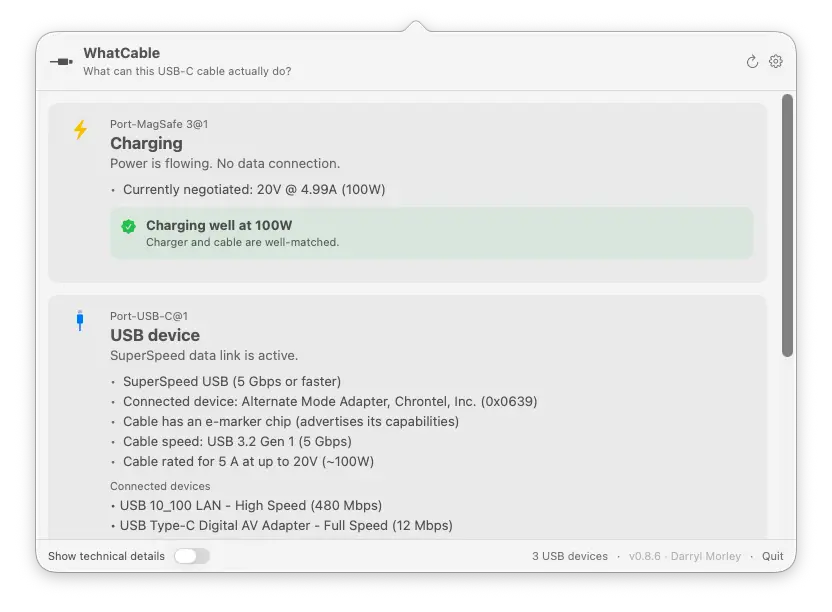
Two reasons. Either the cable has no e-marker chip (cheap USB 2.0 cables and many cables rated at 3A or below don't have one), or it has a chip but macOS hasn't read it. macOS only asks a cable to identify itself when the connection needs it: a charge drawing more than 3A (a 5A cable on a high-wattage charger), or a Thunderbolt / USB4 link. Plug a marked cable into a low-power charger or a plain data connection and macOS may never query it, so there's nothing for WhatCable to show. To force the read, connect the cable to a high-wattage charger or a Thunderbolt device.
Can it tell me if a cable is fake?
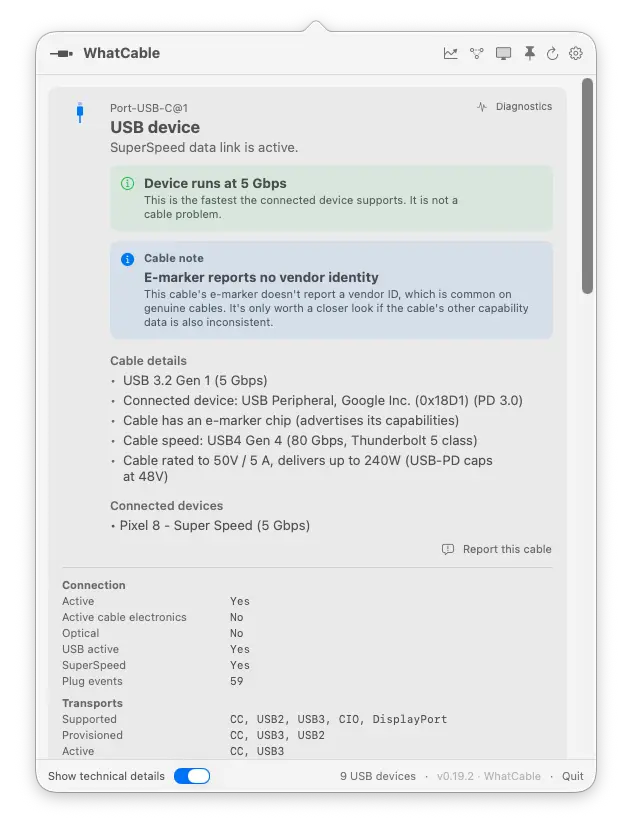
Not definitively. The trust signals feature flags values that look unusual against the USB-PD spec, like a zero vendor ID or reserved bit patterns. A flag means "worth checking," not "definitely counterfeit."
What languages is WhatCable available in?
19, and the diagnostic verdicts are translated too, not just the menus: Armenian, Brazilian Portuguese, Dutch, English, French, German, Hindi, Italian, Japanese, Korean, Latvian, Norwegian, Polish, Russian, Simplified Chinese, Spanish, Traditional Chinese, Turkish, and Ukrainian. WhatCable follows your Mac's language by default, or you can pick one in Settings. Translations are community-refinable, so if something reads oddly in your language, open an issue and we'll fix it.
The rest of the answer
WhatCable stops at the cable. The questions don't.
Knowing a charger only negotiated 60W raises the next question, and it is usually about the battery or the port it is plugged into. Two more Mac utilities from the same developer, built the same way: read what the Mac already knows, then say it in plain English.