Shitty Screenshare
Are you tired of your screenshares looking like this?
Don't you think they should look like this instead?
You need WHIP.
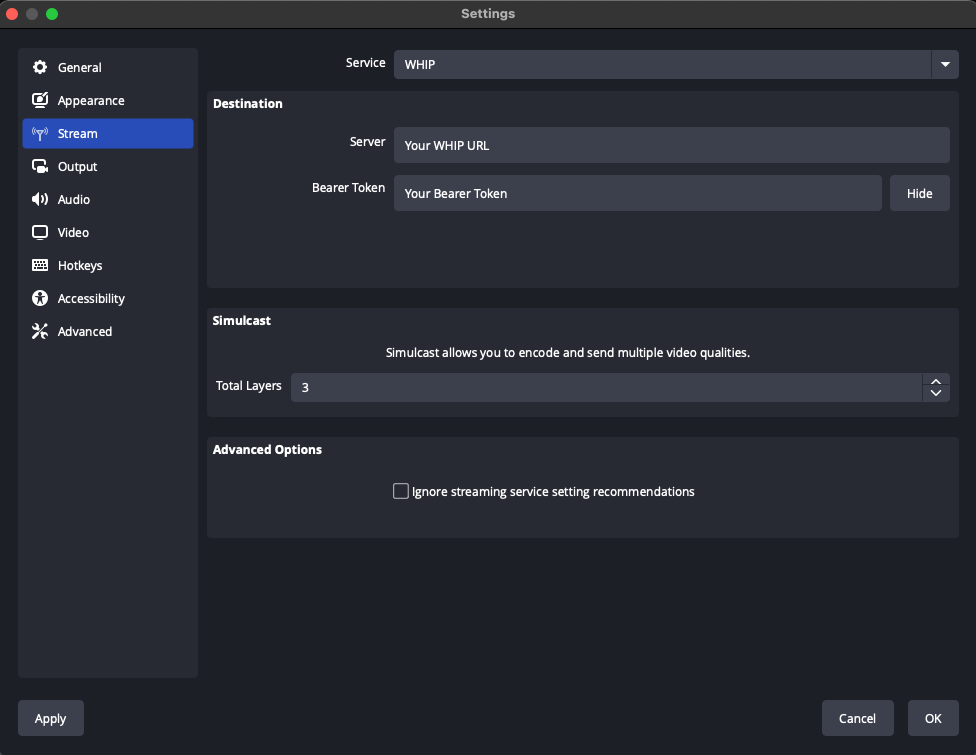
Did you know OBS or FFmpeg can go directly into a video conference? You configure everything, so you control exactly the quality you are going to get. WHIP support means these tools now speak the protocol of video conferencing.
Help! My video conferencing provider doesn't support WHIP. What can I do?
Send them an angry email. Tell them you don't want their crappy proprietary client. You want open standards that let you bring the tools you prefer.
FAQ
What is WHIP?
WHIP is an open standard for sending live video to a service using WebRTC. Your provider gives you a server URL and a stream key, called a bearer token. Before to join a conference call each client had to run custom code. That means FFmpeg/OBS would never be able to join.
Why is my screenshare blurry?
A lack of control. Your browser is picking a bitrate, codec or resolution that doesn't match what you need.
How are OBS and FFmpeg different from browser screensharing?
OBS and FFmpeg let you choose your resolution, frame rate, bitrate, and codec. You can tune those settings for the content you're sharing and the hardware and connection you have.
What about OBS Virtual Camera?
OBS Virtual Camera sends your OBS scene to the conferencing app as a webcam. You can pick the layout of your stream, but the conferencing app still handles encoding.
Where can I stream with WHIP today?
See the OBS WHIP setup guide I try and keep it up to date.
Why did you make this site?
I work on WHIP in OBS. I'm tired of shitty screenshares when it is easily fixed.