In the Tildes Minecraft weekly thread a little while back, there was some discussion about self-hosting images. I've finally done the thing, and figured I'd share the results.
The primary goal is to make something as simple as possible: I don't really care about galleries or albums, or different file formats, or fancy automatic deduplication etc. I just want to grab an image and throw it up on a link that I can share.
I do care about easily importing images from various sources, and stripping image metadata.
The simplest solution I came up with that addresses all these while requiring minimal changes to my existing self-hosted setup is this:
/var/www/i.allemangd.dev on a subdomain with a new server {} block in my existing nginx config.scp. Then access is controlled by SSH and VPN and I don't need to worry about authentication.webp and strip metadata with imagemagick.$(uuidgen).webp.xclip by default (I only need to support one platform), or via stdin, path, or url on the command line.The code is at https://git.allemangd.dev/me/imup. @creesch, @Durinthal, @hamstergeddon, @trim: you all participated in my call for recommendations, so have a ping here in case you're interested in the solution I've landed on.
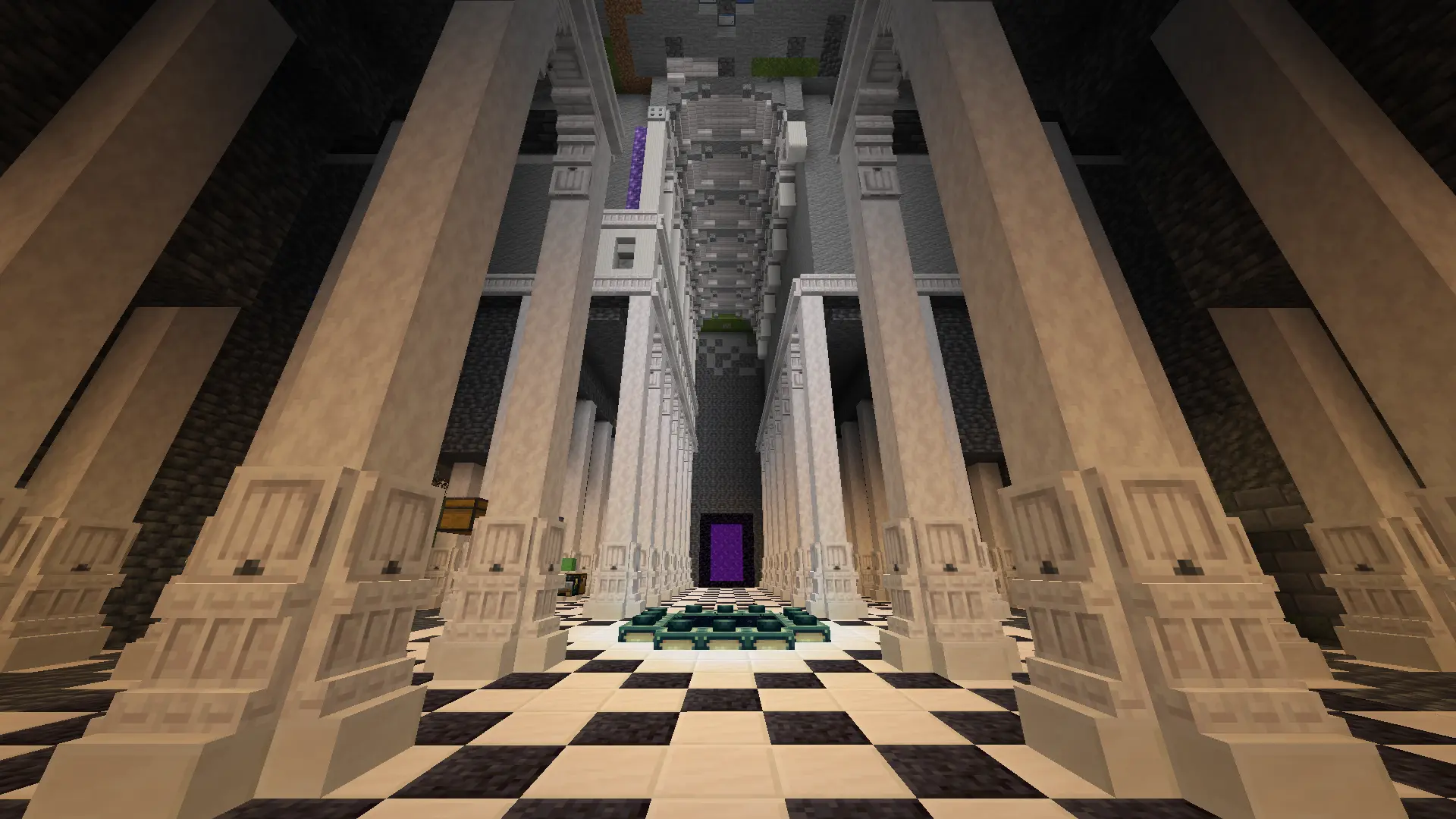
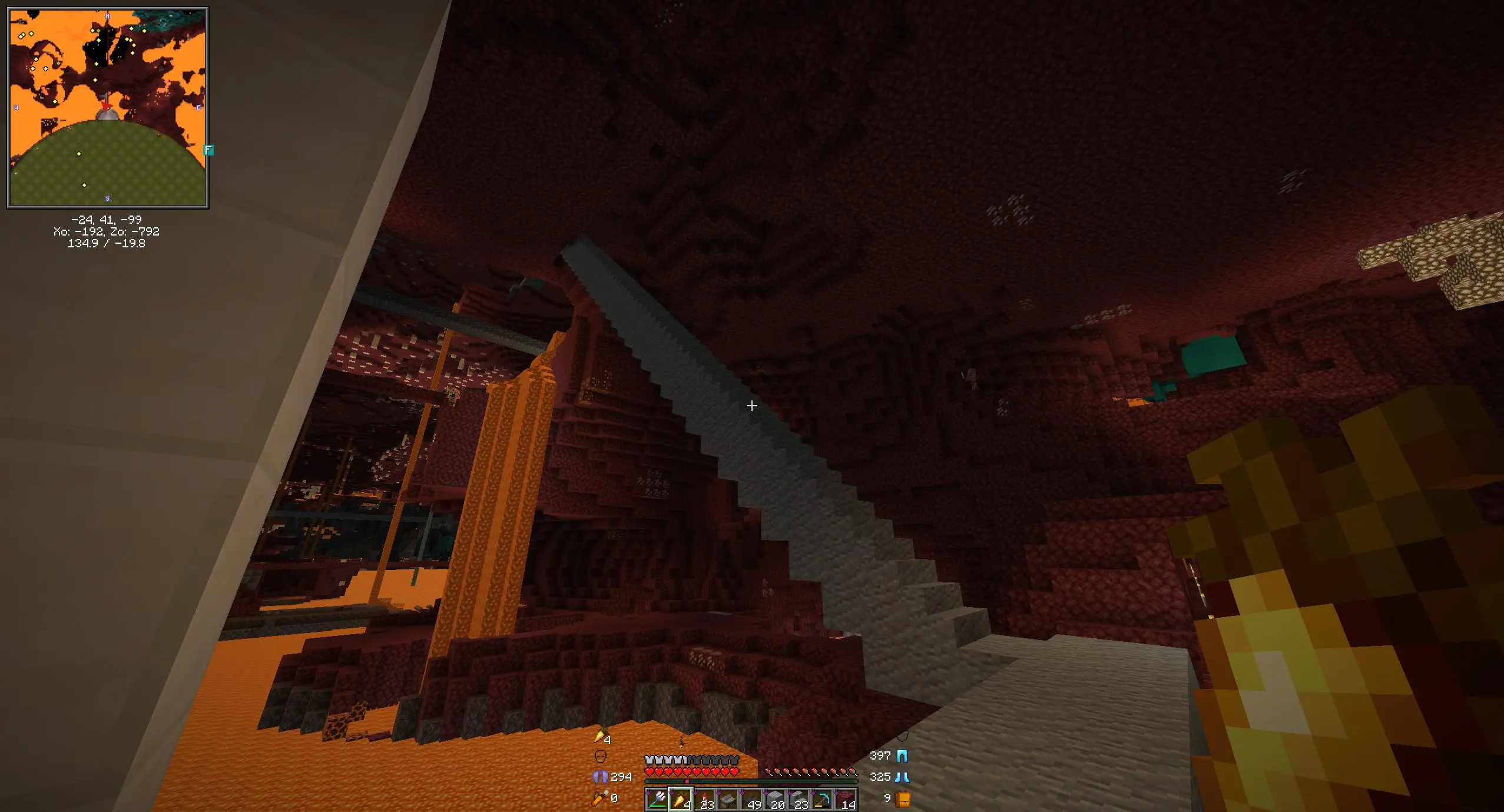
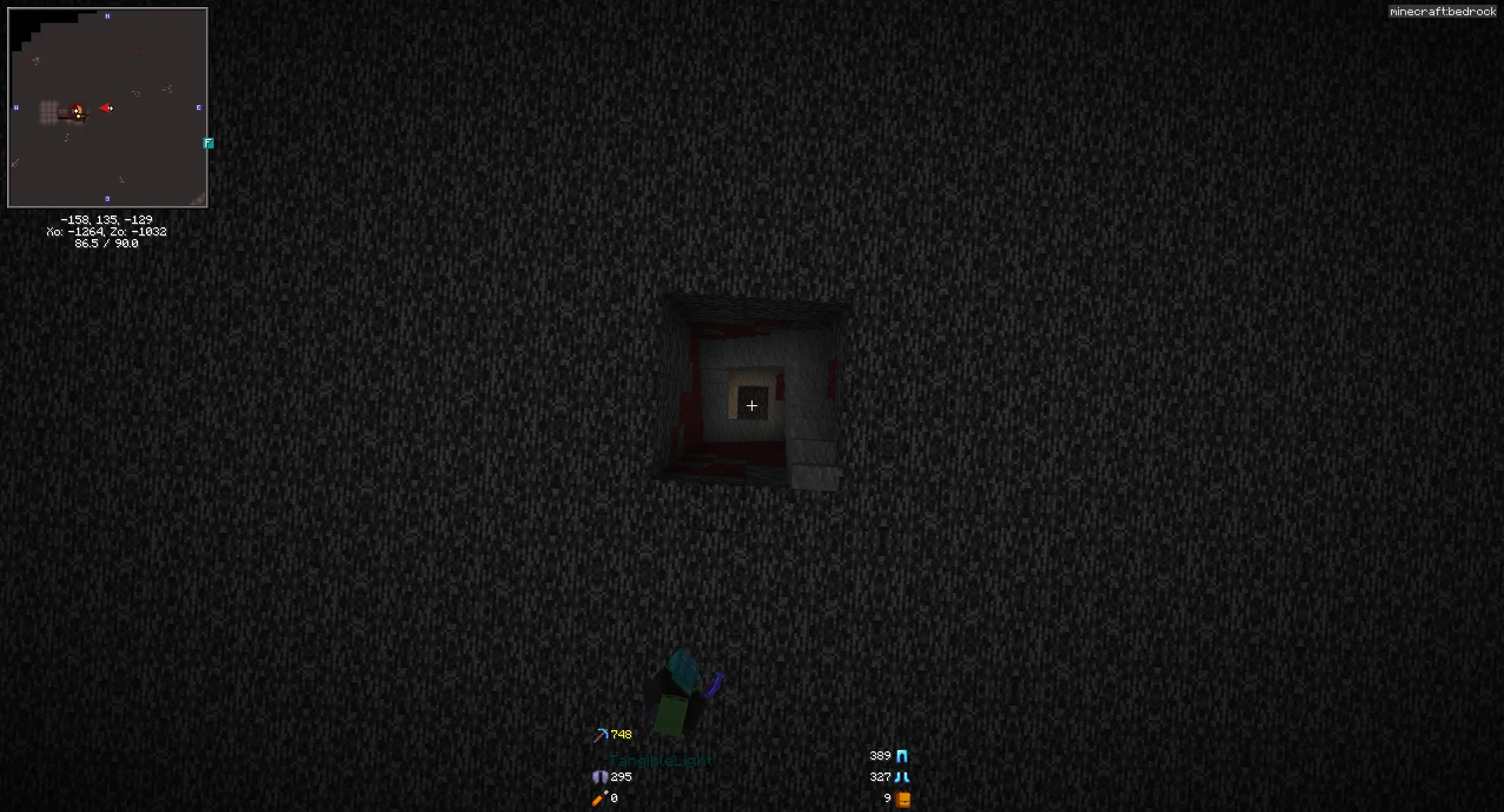
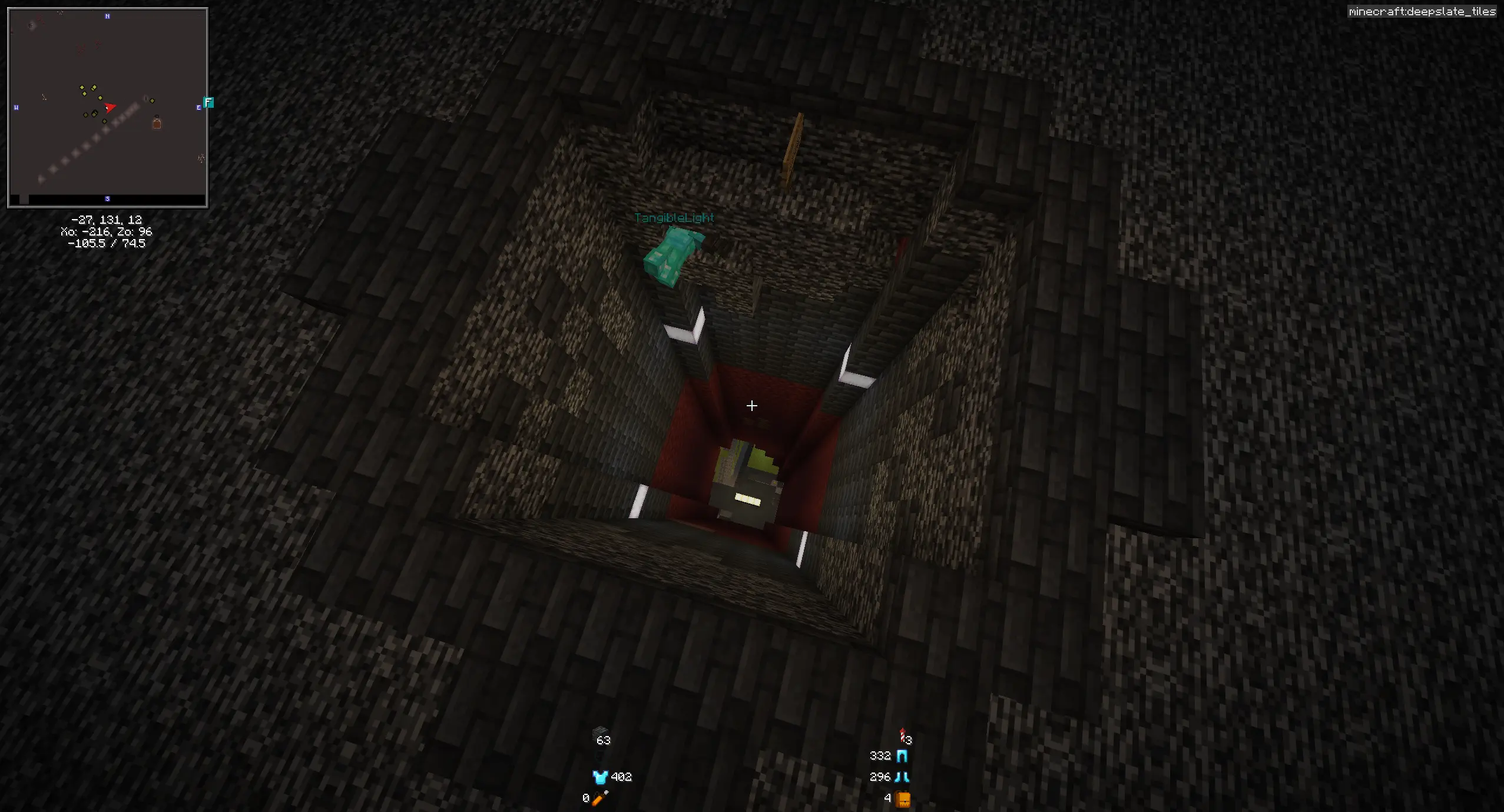
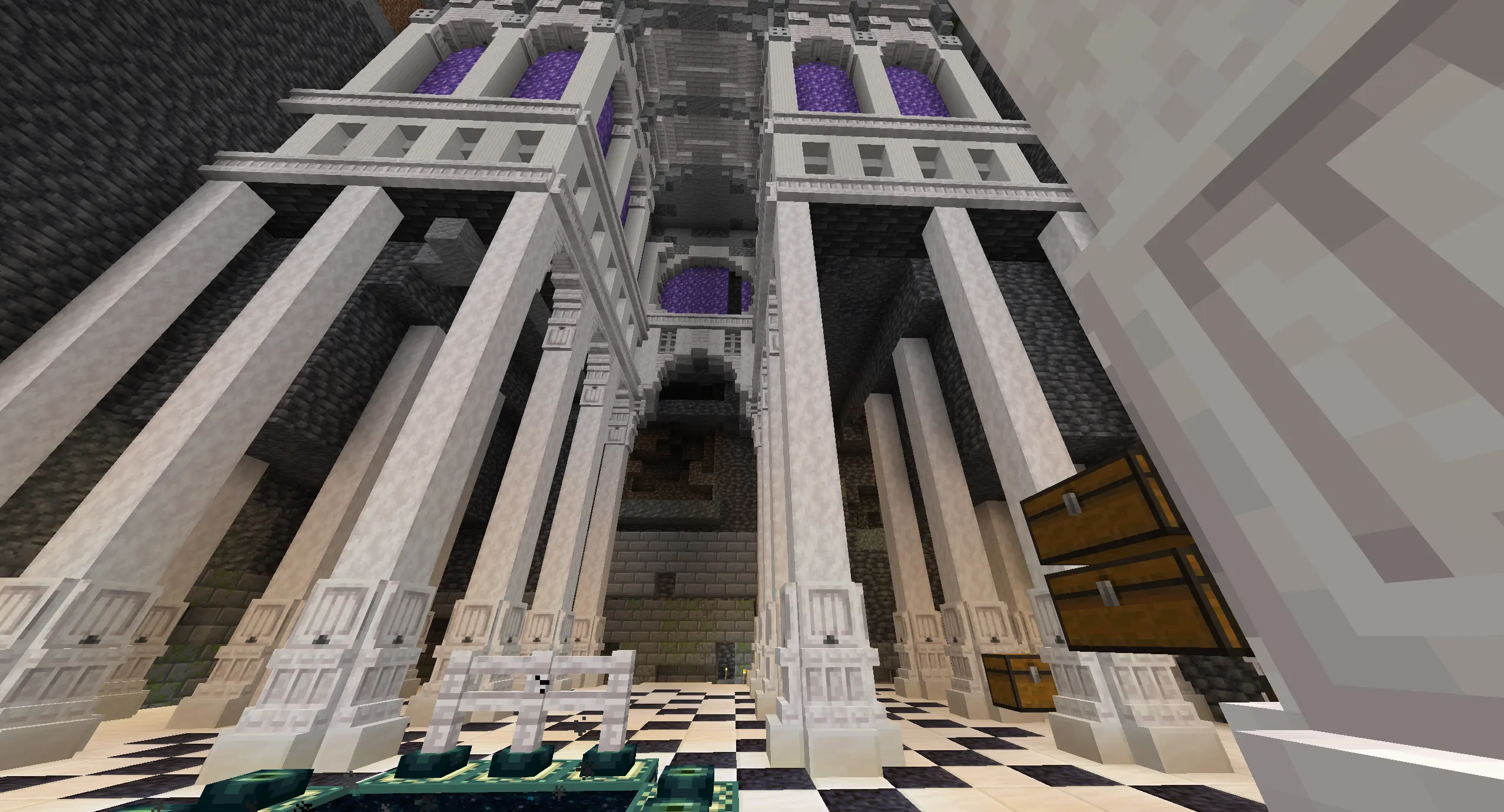
So, with all that, I'll move some of my minecraft screenshots off of imgur via this tool:
$ imup 'https://i.imgur.com/ecokmB1.png' 'https://i.imgur.com/UNs1mlr.jpeg' 'https://i.imgur.com/83ChnpP.png' 2026-01-20_22.15.08.png 2026-01-21_23.06.18.png
https://i.allemangd.dev/911939e7-9bae-4676-a0a2-0b0d5c8cbcc5.webp (https://i.imgur.com/ecokmB1.png)
https://i.allemangd.dev/5dac5831-3cbb-48fe-a1fb-9d7fee0cdca5.webp (https://i.imgur.com/UNs1mlr.jpeg)
https://i.allemangd.dev/a4a47974-b534-4d2c-a105-b4c3ec82db48.webp (https://i.imgur.com/83ChnpP.png)
https://i.allemangd.dev/87a56e22-98c4-4a94-91cf-ccf3d183ad09.webp (2026-01-20_22.15.08.png)
https://i.allemangd.dev/a62672cf-ab08-40eb-b472-5e370cb22305.webp (2026-01-21_23.06.18.png)
I expect the two workflows from here on will be one of:
imup $(date -I)_*.png to share recent updates on the weekly thread.Prt Sc; "Copy to Clipboard"; imup; Paste the url.Some adjustments I might make in the future are:
Instead of naming the file by a uuid, name the file by a hash. This way reuploading files won't explode the size of that directory - my "weekly update" thing could just be imup *.png in the screenshots directory.
Synchronize via rsync instead of scp. It should be faster.
Set up an sshfs mount with this connection so my minecraft screenshots folder links directly to the static files, like https://i.allemangd.dev/mc/<date>.png. Then no manual commands are necessary. I'm a little hesitant to do that, though, since I'm not sure what happens if I put sshfs to offline host in my fstab, and probably not all my screenshots need to be public.