Writing a Guide to SDF Fonts
Back in 2024 I learned about SDF (signed distance field) rendering of fonts. I was trying to implement outlines and shadows in a single pass instead of drawing over the text multiple times in different styles. I intended to use these fonts for two different projects, a game and a map generator. I got things working but didn’t fully understand why certain things worked or didn’t work. I wrote some notes on my site about what I tried. In the end, I stopped working on both the game’s fonts and the map generator, so I put all of this on hold.

Fast forward to late 2025, and my incomplete notes sometimes show up on the first page of search results for “sdf fonts”[1]! Surely that isn’t the best page on the topic. It would be better to point to library documentation or maybe one of the research papers about the topic. My page isn’t that good.
Initially my thought was “search engines are in their decline” but then I decided “this is an opportunity”. I decided to make a page worthy of being the top search result.
I first looked through everything I had written. I already had started an “overview” page but hadn’t gotten very far on it. I also have 22 separate pages that were “diary style”, about what I did rather than what you should know.
The overview page covered how to use various SDF font libraries (msdfgen, stb_truetype, tiny-sdf, etc.). I wrote code for multiple libraries, had sketched out diagrams for various concepts, and had screenshots of outputs from each of those libraries.
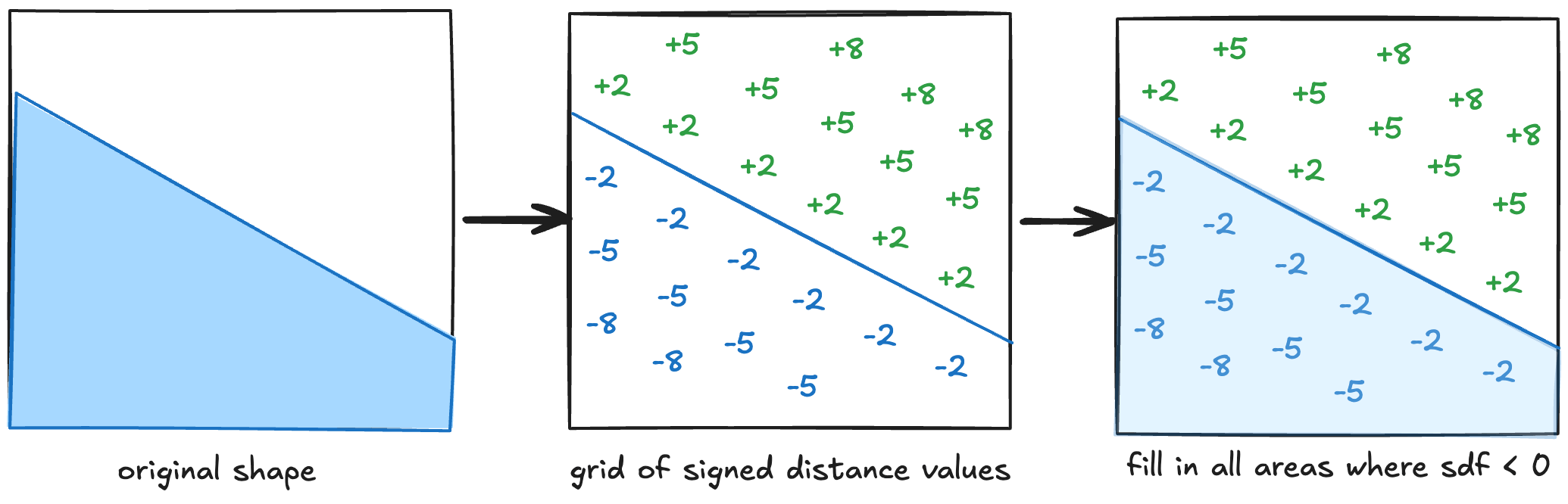
At some point I realized the scope was too large. I had spent the most time with msdfgen and hadn’t yet learned enough about the other libraries to write a proper guide. They all worked differently. I kept getting stuck. So I reduced the scope. In redesign 2 I decided to only use msdfgen, but show the various tradeoffs involved (atlas size, antialias width, shader derivatives, smoothing function).
I made several diagrams for concepts, such as:
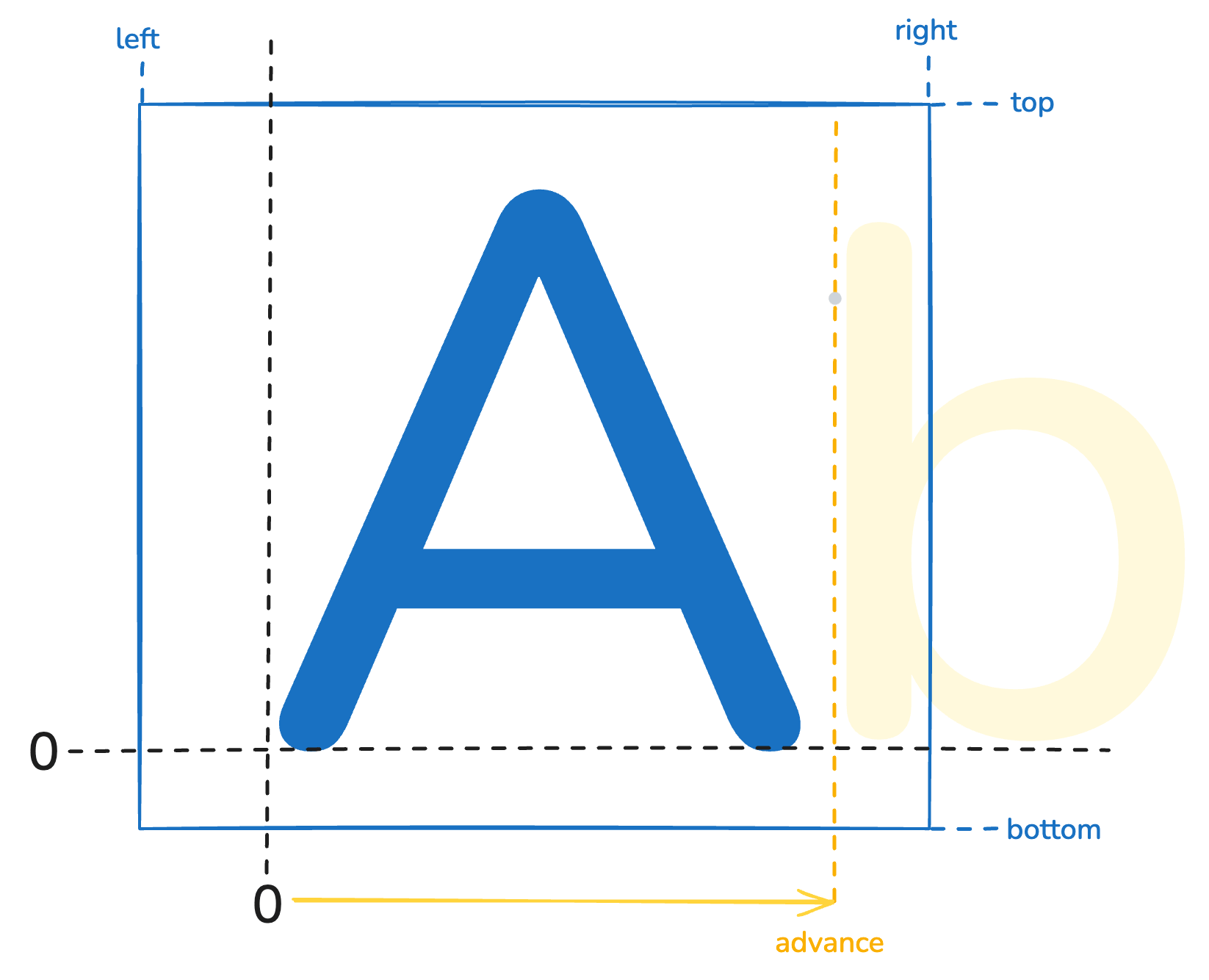
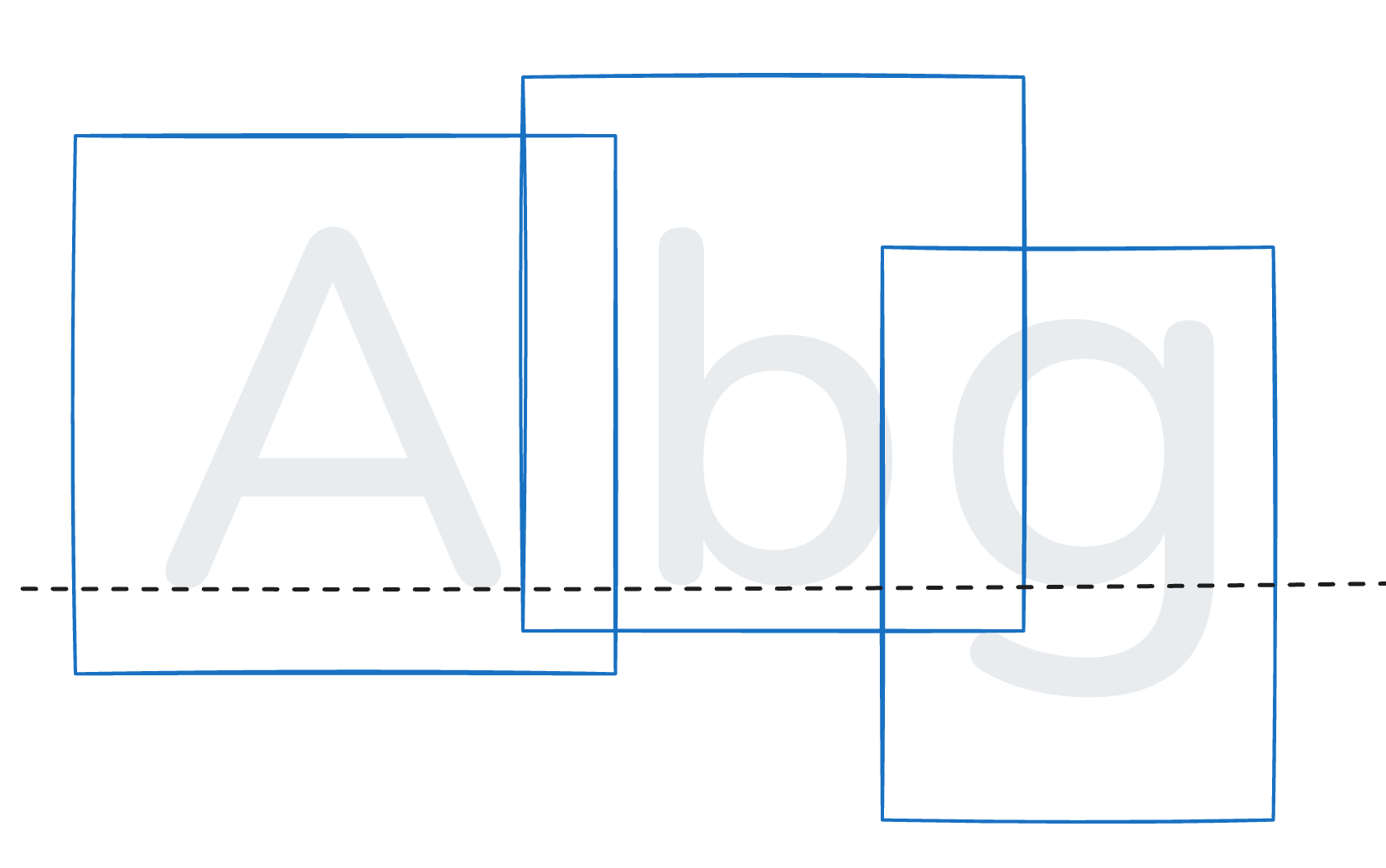
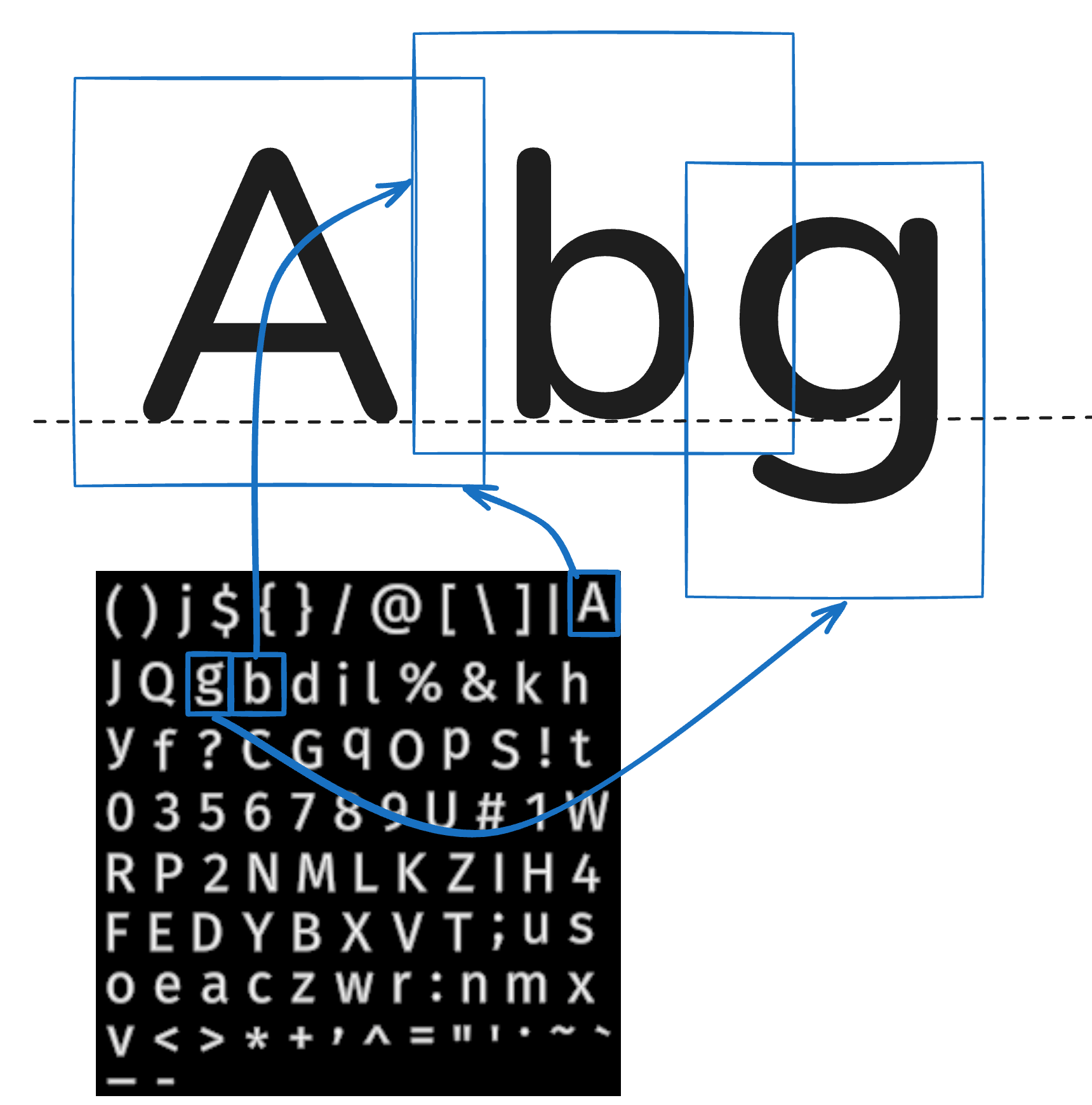
And I started running tests. I wanted to compare the effect of atlas size, so I made lots of screenshots and started looking closely. I wanted to come up with a way to recommend a specific size. I wanted to make recommendations for all the other parameters. I showed all the commands I ran.
At some point I realized I could run tests forever. And I had already done that last year, and wrote it up in blog posts (one and two). Doing it again here didn’t seem especially valuable. So I pivoted to a “how to” page. In redesign 3 I decided to show the concepts, then a JavaScript implementation using CPU rendering, and then another implementation using GPU rendering. I made new versions of the diagrams:
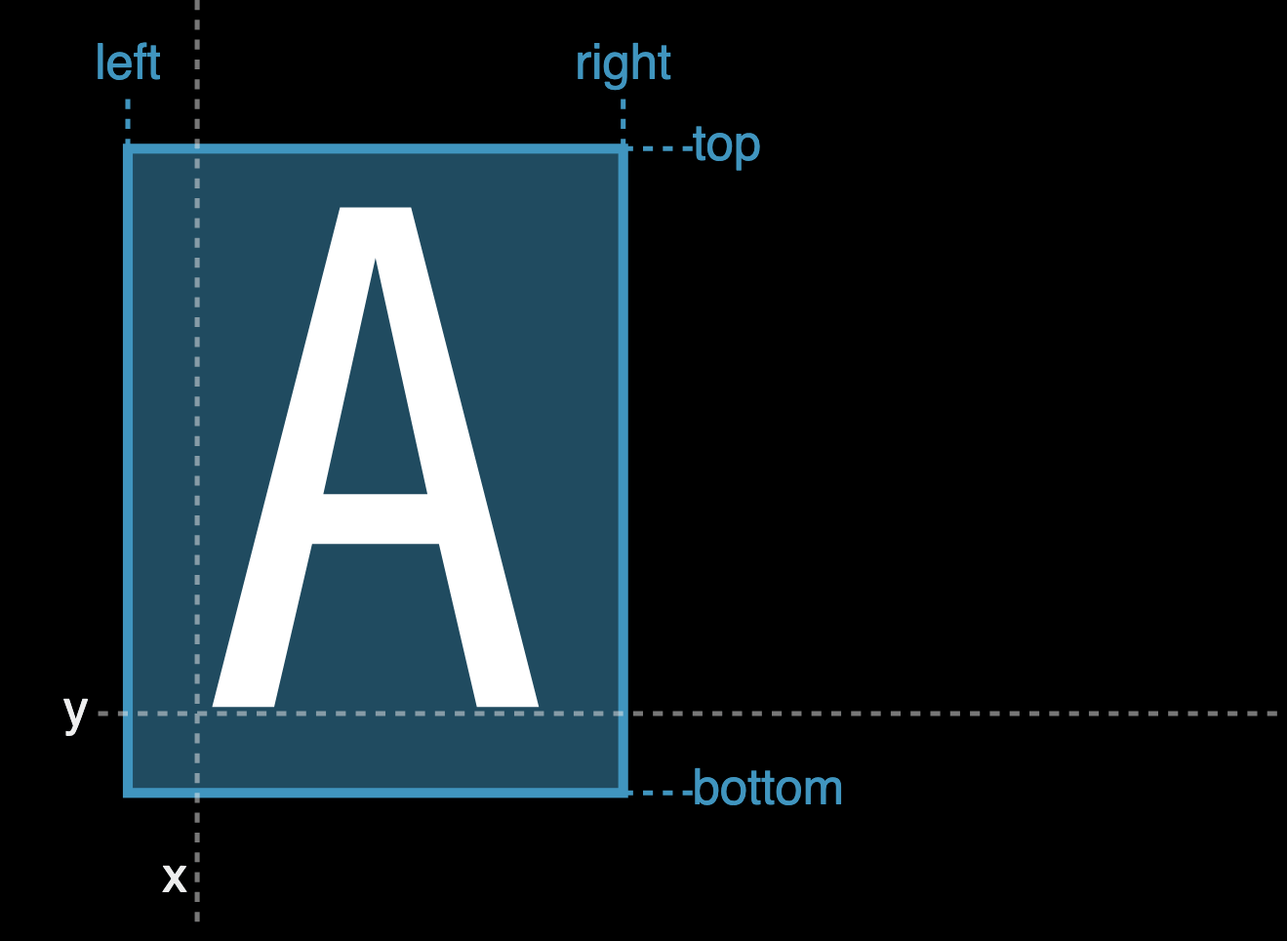
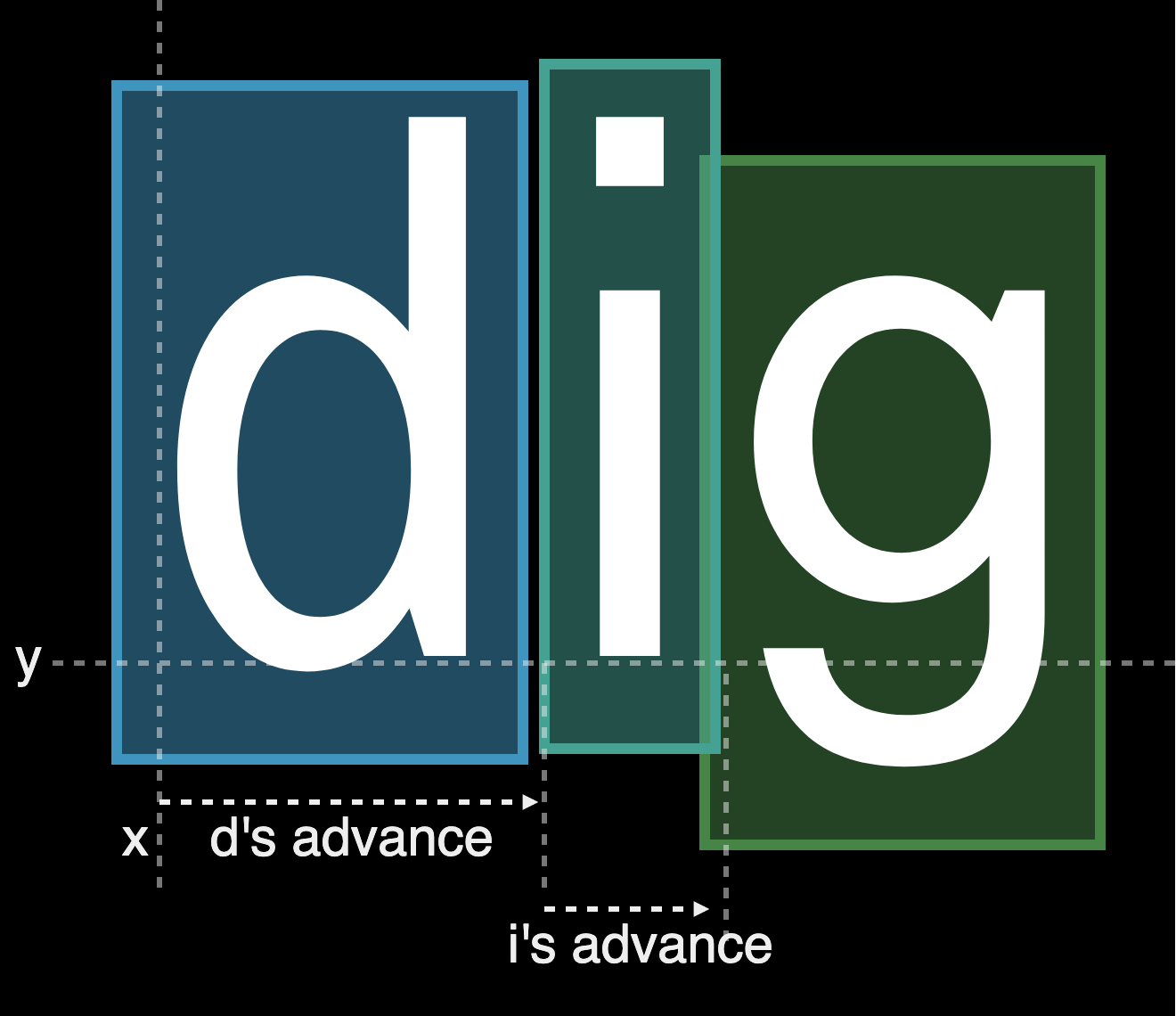
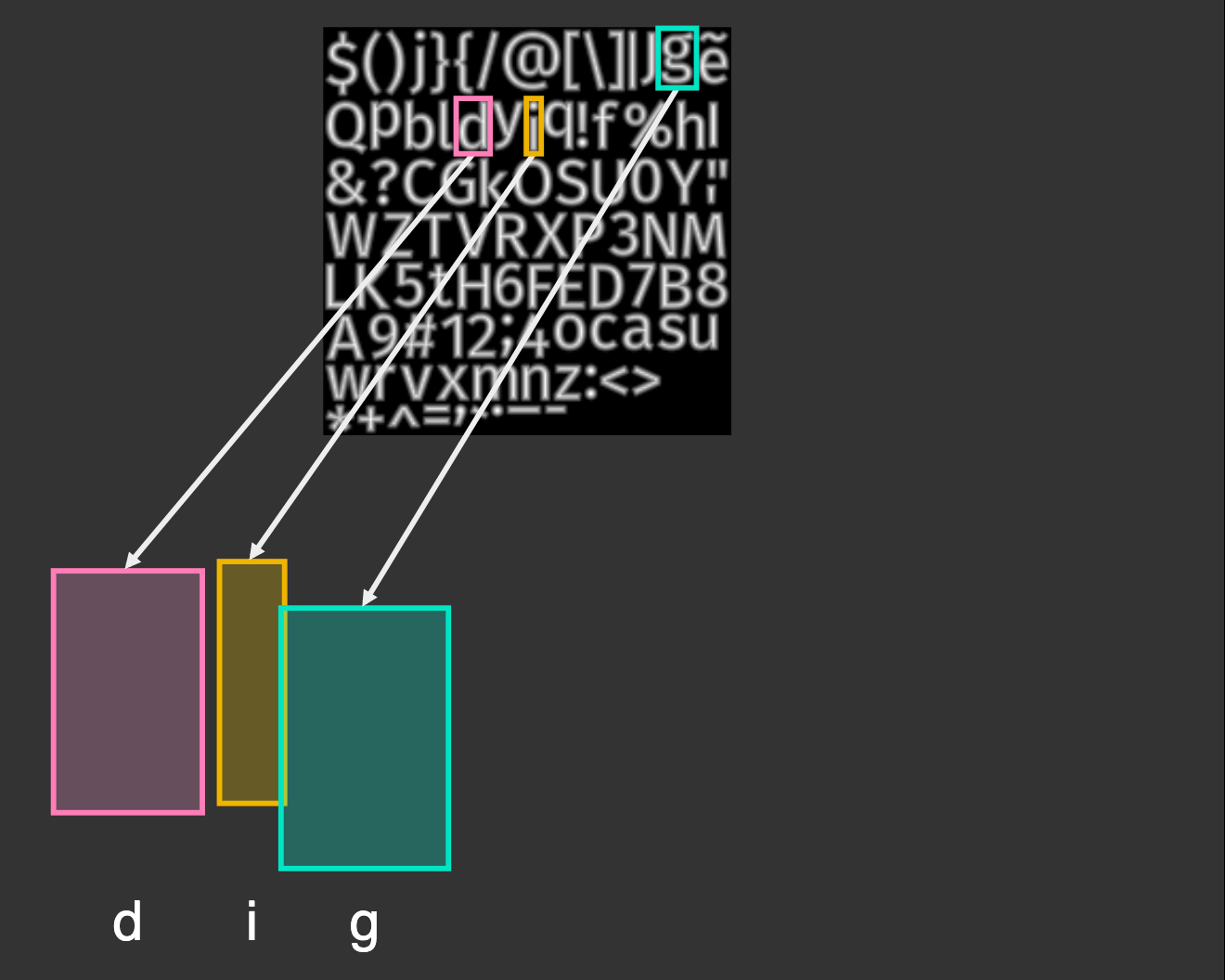
I was making progress on that page but it didn’t feel like a Red Blob Games page. The page started out with tons of shell commands, and then showed lots of code. It felt like a page that only I would find useful. So I started over and designed a “concepts” page. In redesign 4 I focused on what effects I wanted, how SDF works, and how to use it to create those effects. I again reduced the scope by removing the implementation details. What I had already written, I moved to a separate (unpolished) page. And I never wrote a standalone downloadable project like I originally wanted.
I had tried several ideas over the past year but didn’t make a lot of progress until I figured out what I actually wanted to put on the page:

I’m finally happy with the page. Take a look! I hope search engines point to it eventually.