so openssh on musl linux (alpine, openwrt, buildroot, yocto, and a lot of the docker images you've pulled) has had a little problem since 2016.
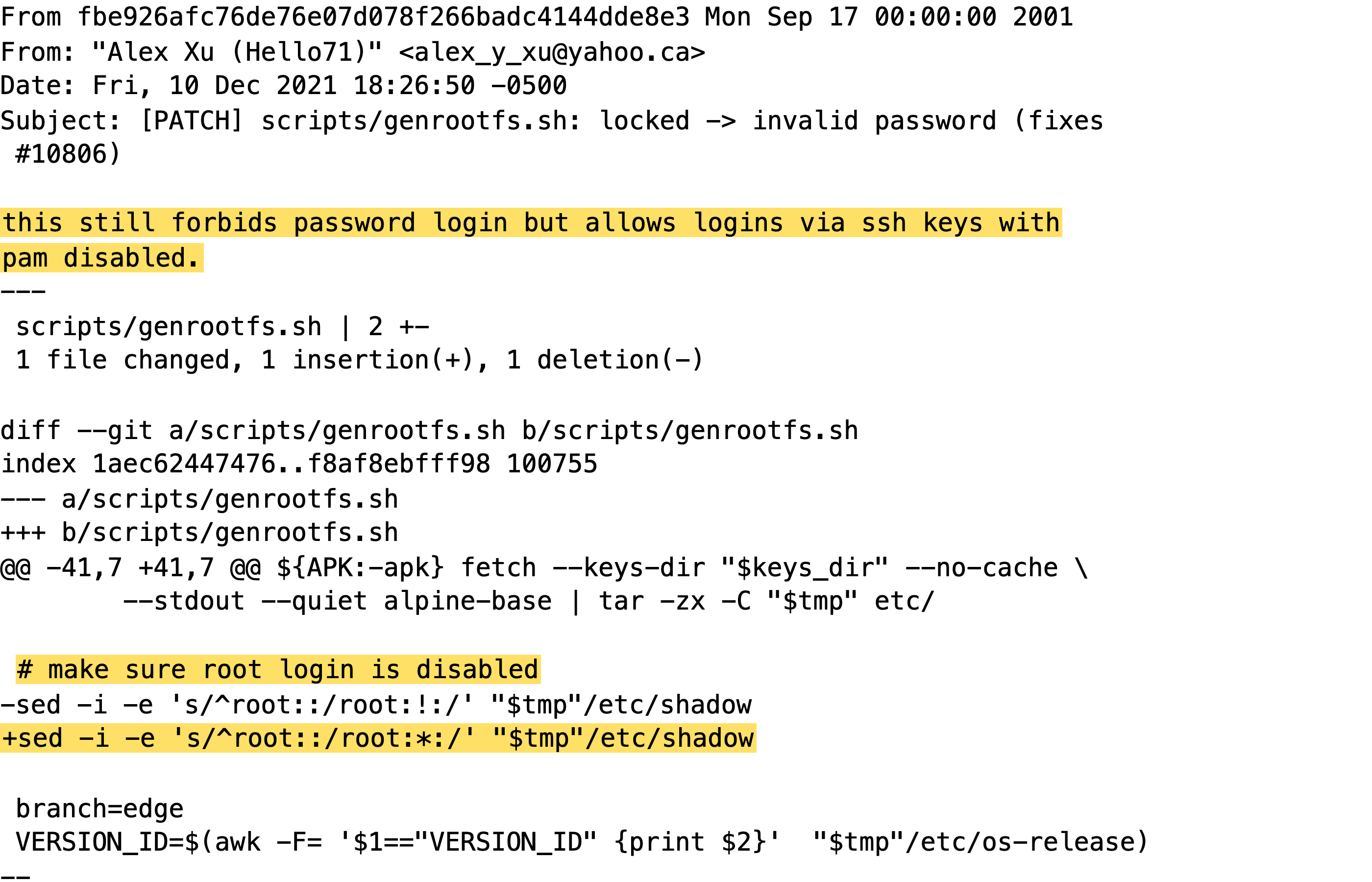
accounts that should never take a password at all (root, your key-only deploy user, ldap users, the default user on alpine's aws and azure images) take any password longer than 256 characters.
yes, any password.yes.i know.yes.
1980
the first star
back in old unix your password hash just sat in /etc/passwd, right next to your username. in a file everyone could read.
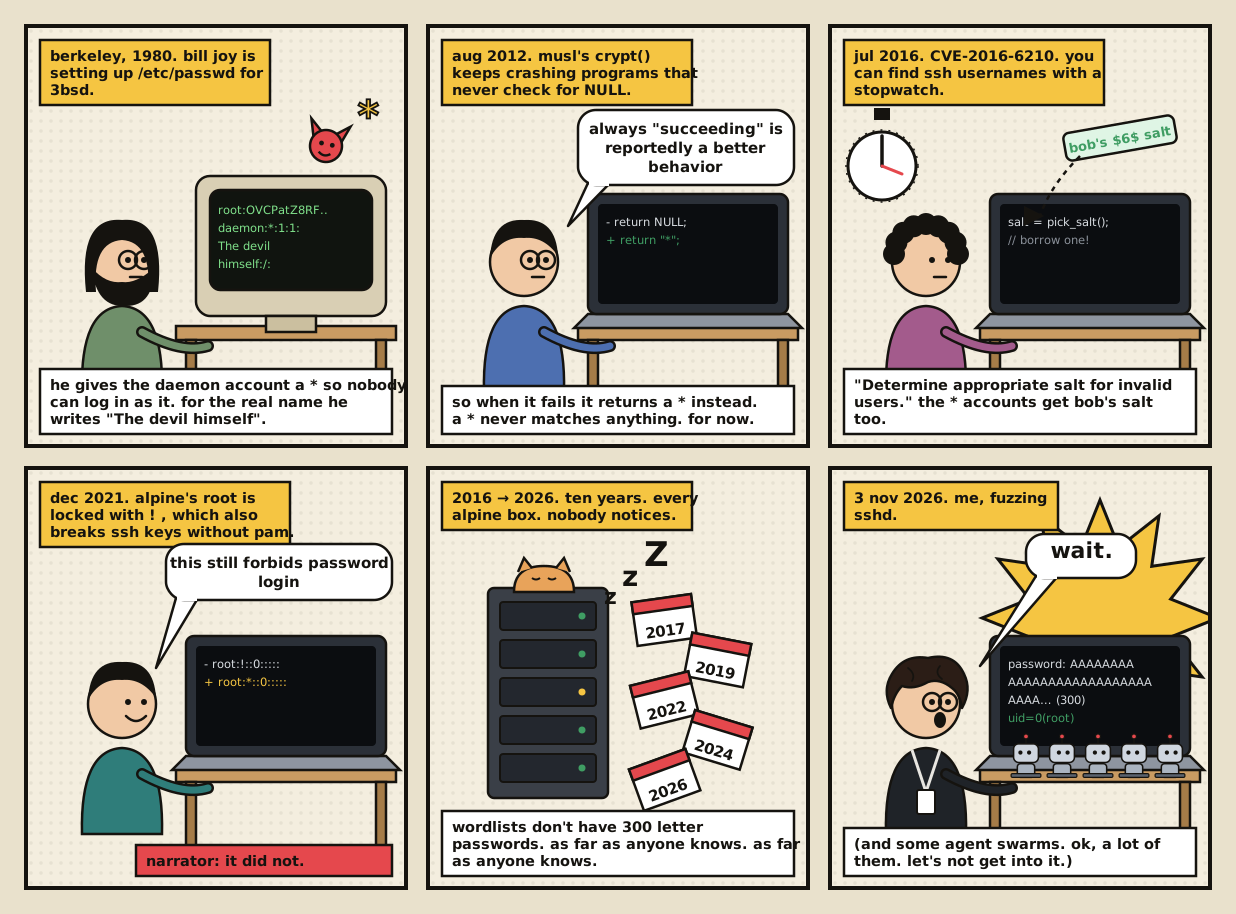
in 1980 bill joy put a * there for an account called daemon. nobody's supposed to ever log in as it.
a * isn't a hash, so no password can match it. unix still does this today
the next field is the real name. he wrote "the devil himself"
1990s
how sshd checks your password
ok so these days the hash lives in /etc/shadow and looks like $6$abc$k2P9…. the $6$ means sha512, abc is the salt, the rest is the actual hash
you type your password, sshd hashes it with that same salt and checks if it comes out identical. same = you're in. that's it
and if the field is just *? there's nothing to match. type whatever you want, it's never getting you in
1990s
the fine print
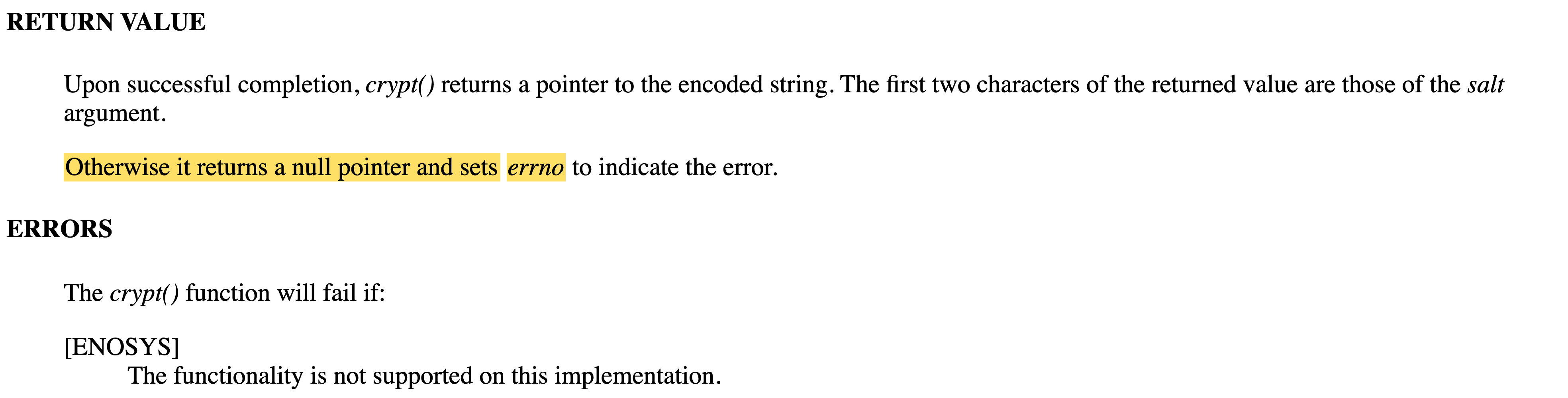
one more rule. if crypt() can't do its job, it returns NULL. like if the salt asks for some algorithm the system doesn't have, there's nothing to compute, so you get NULL instead of a hash
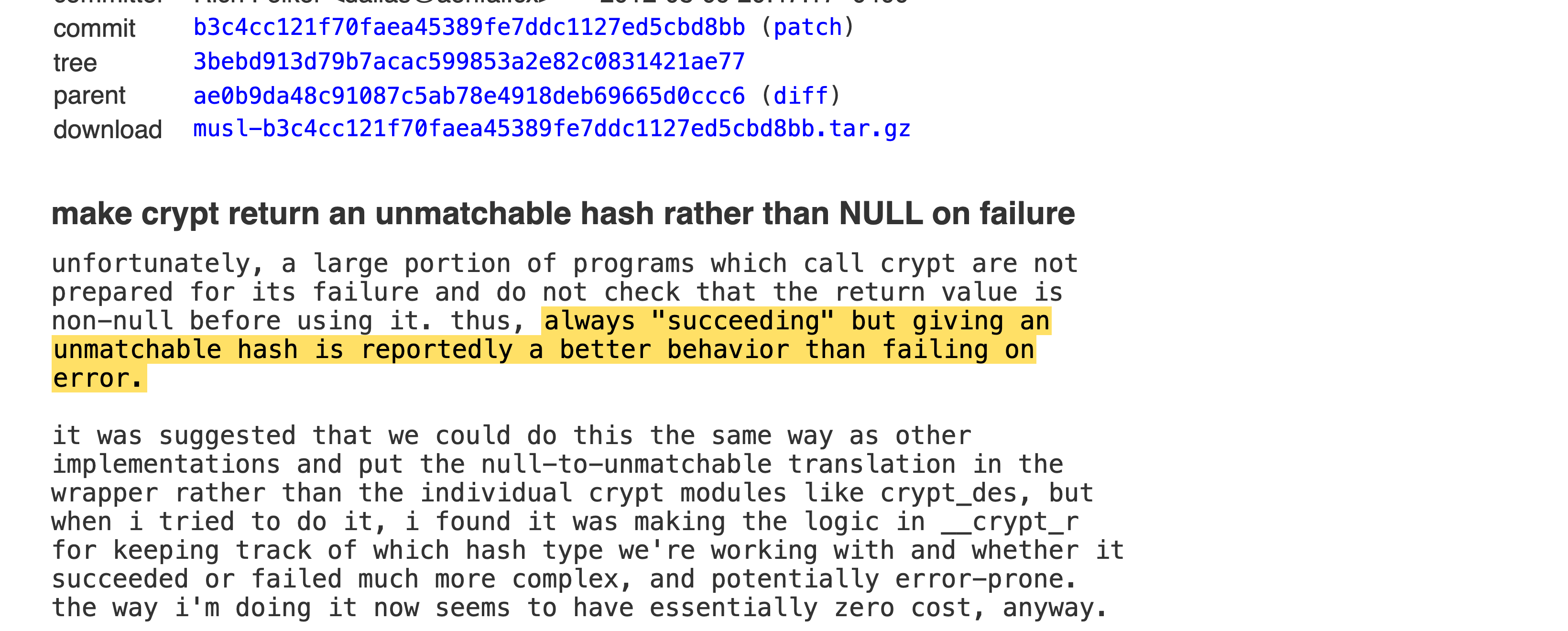
except a lot of programs never check for NULL. they just compare whatever crypt() gives back with the stored field, hit the NULL, and crash
2012
crypt stops saying NULL
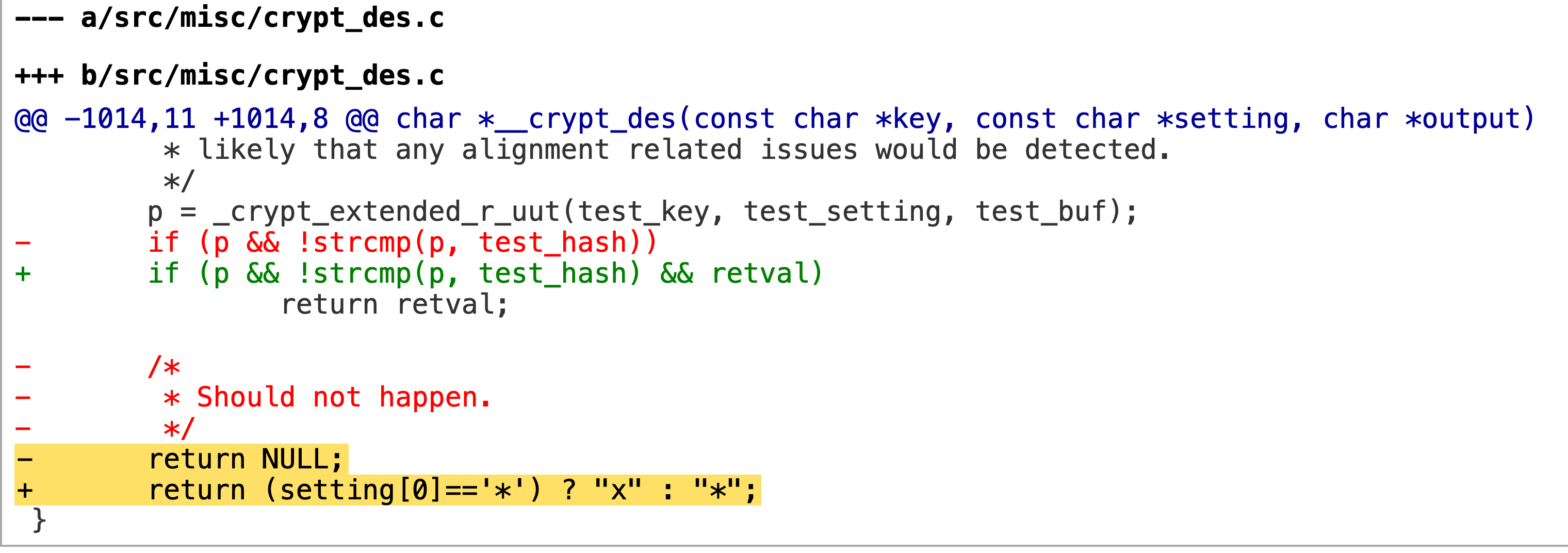
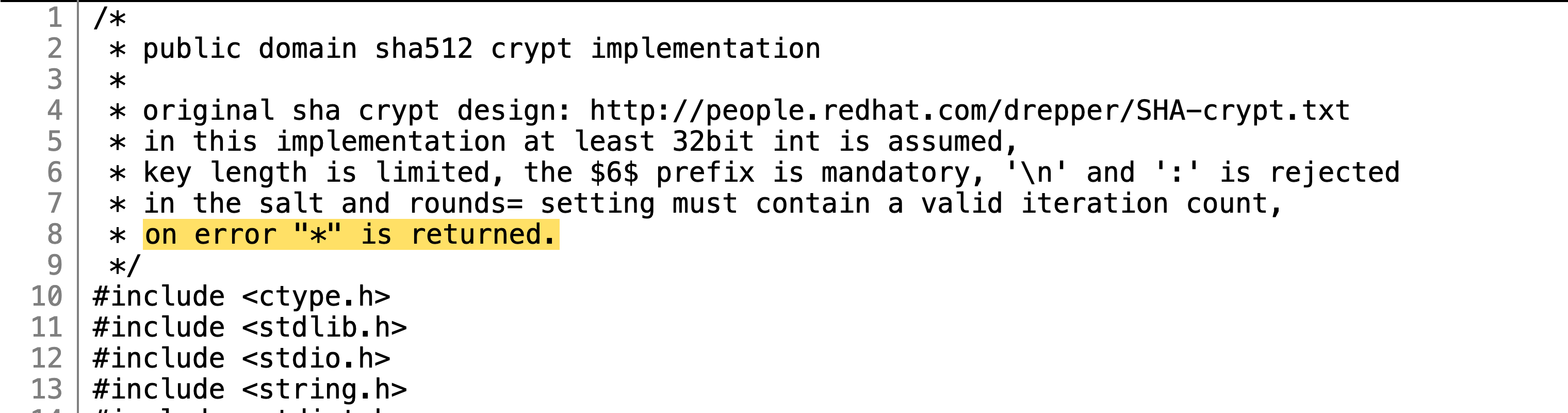
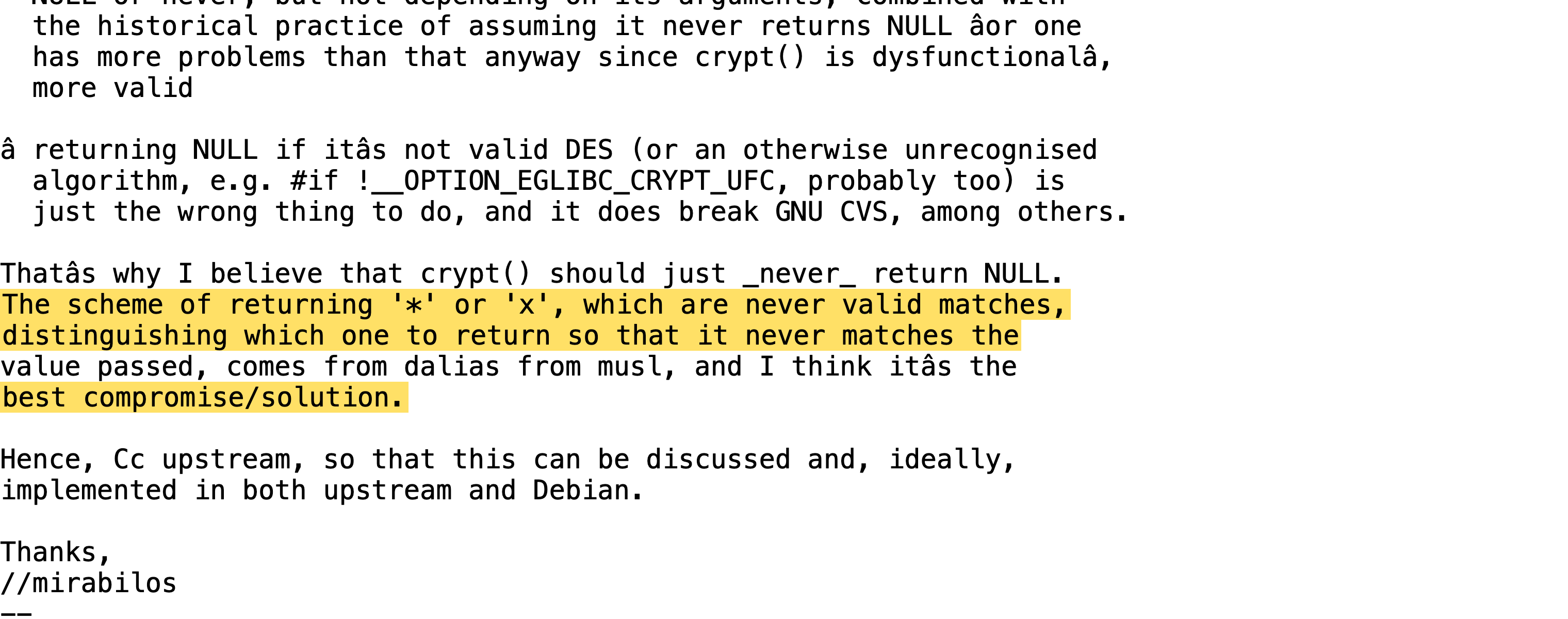
so musl (the libc under alpine) goes ok fine, crypt() just won't return NULL anymore. if it fails, it returns a single character instead. that character can never match a real password, so programs don't crash, they just see a wrong password
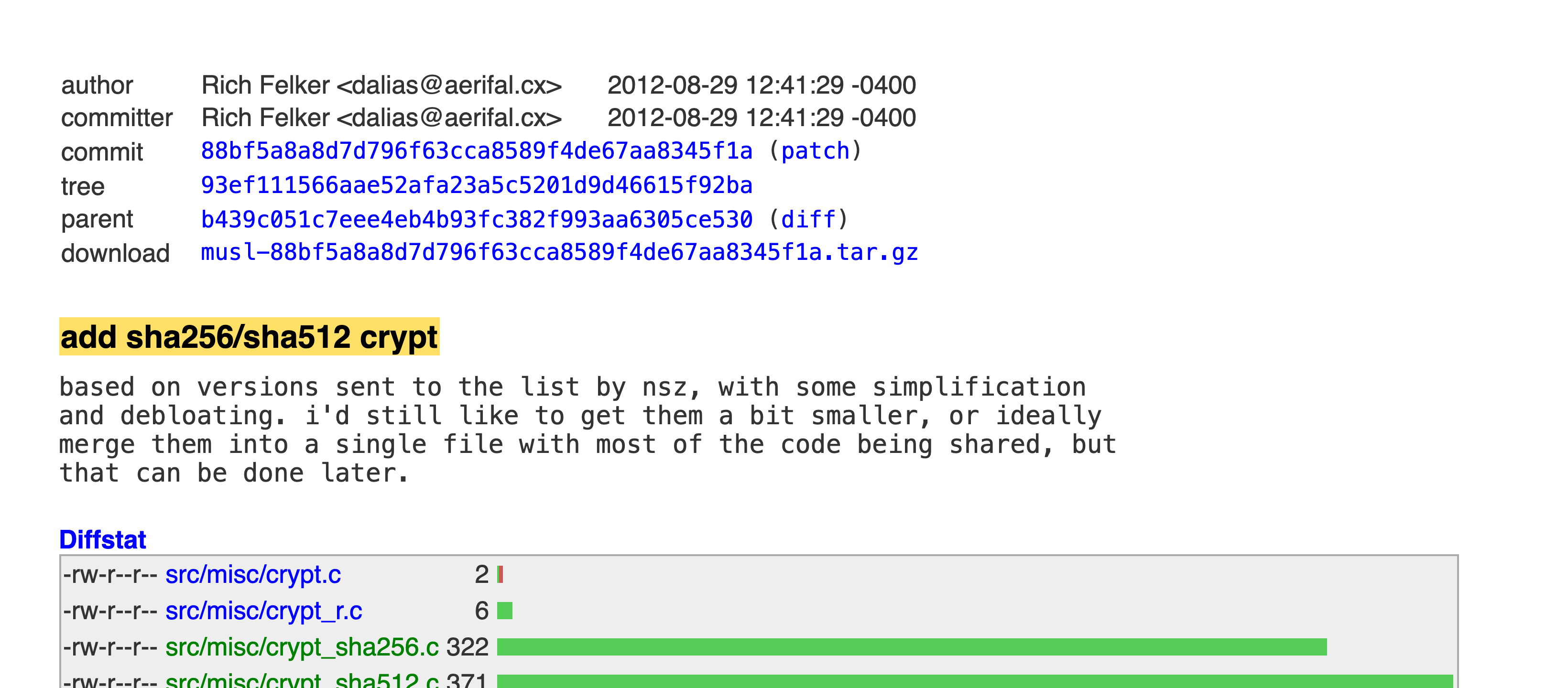
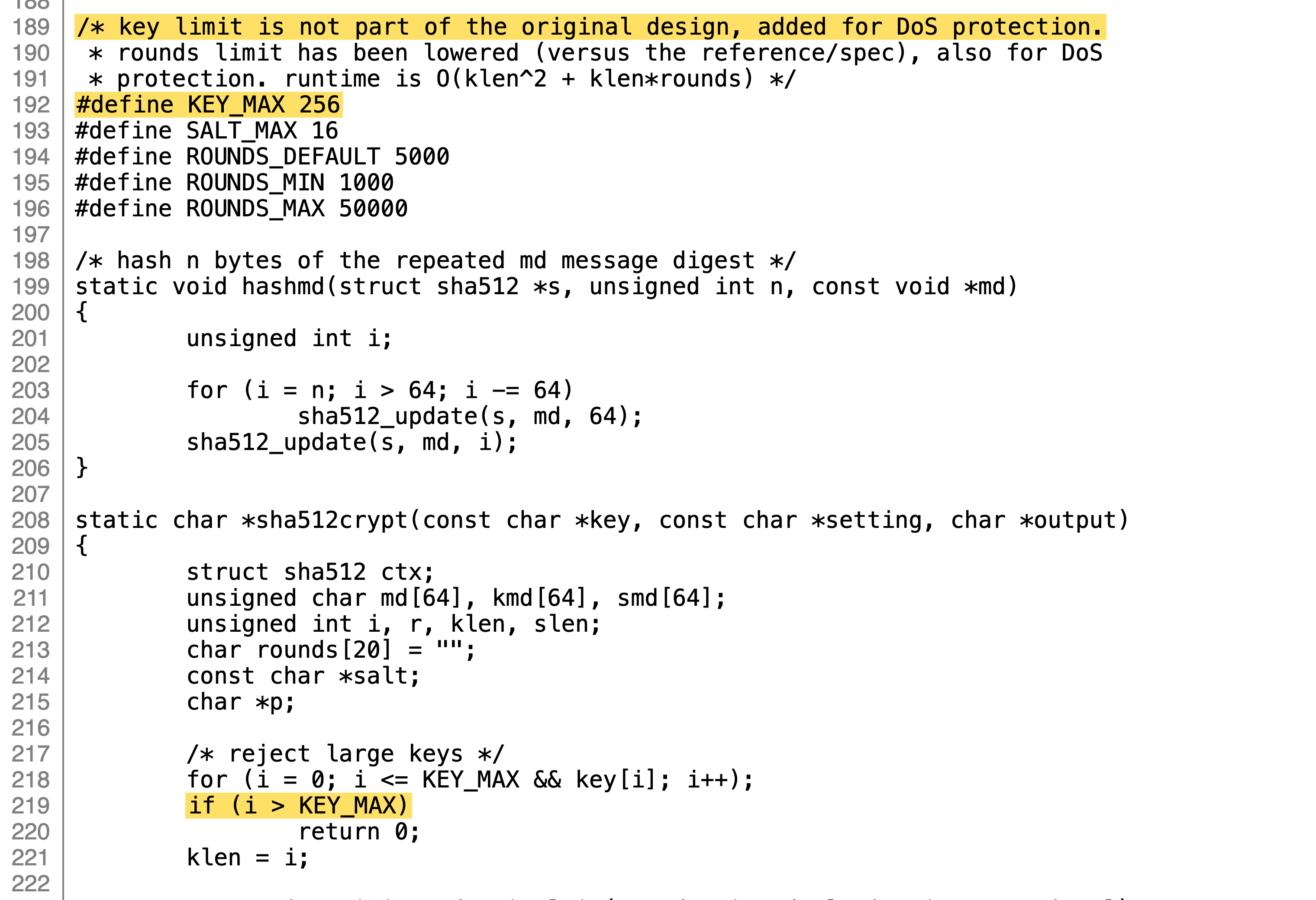
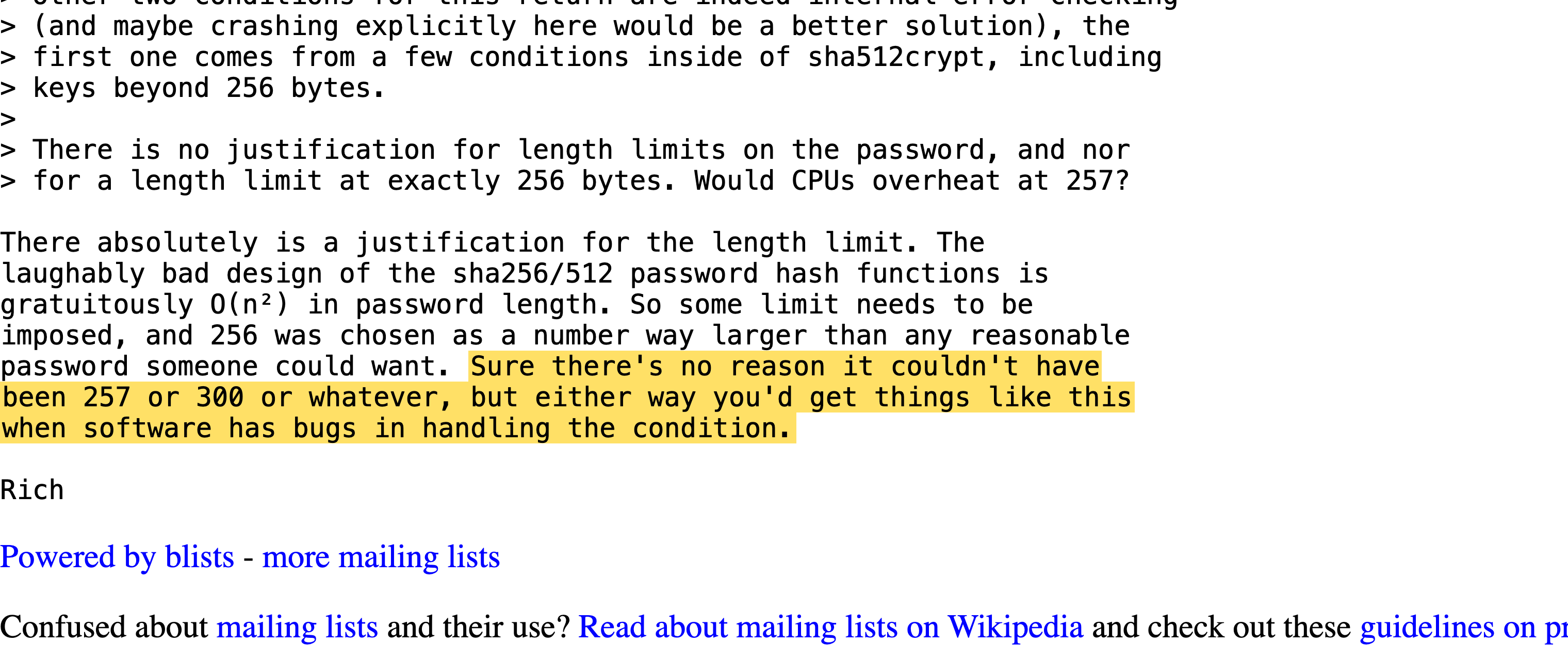
then musl adds sha512 crypt. the thing is, sha512crypt gets slower the longer the password is, so someone could send one giant password and keep your server busy for a long time. so musl just caps it at 256 bytes and refuses anything longer
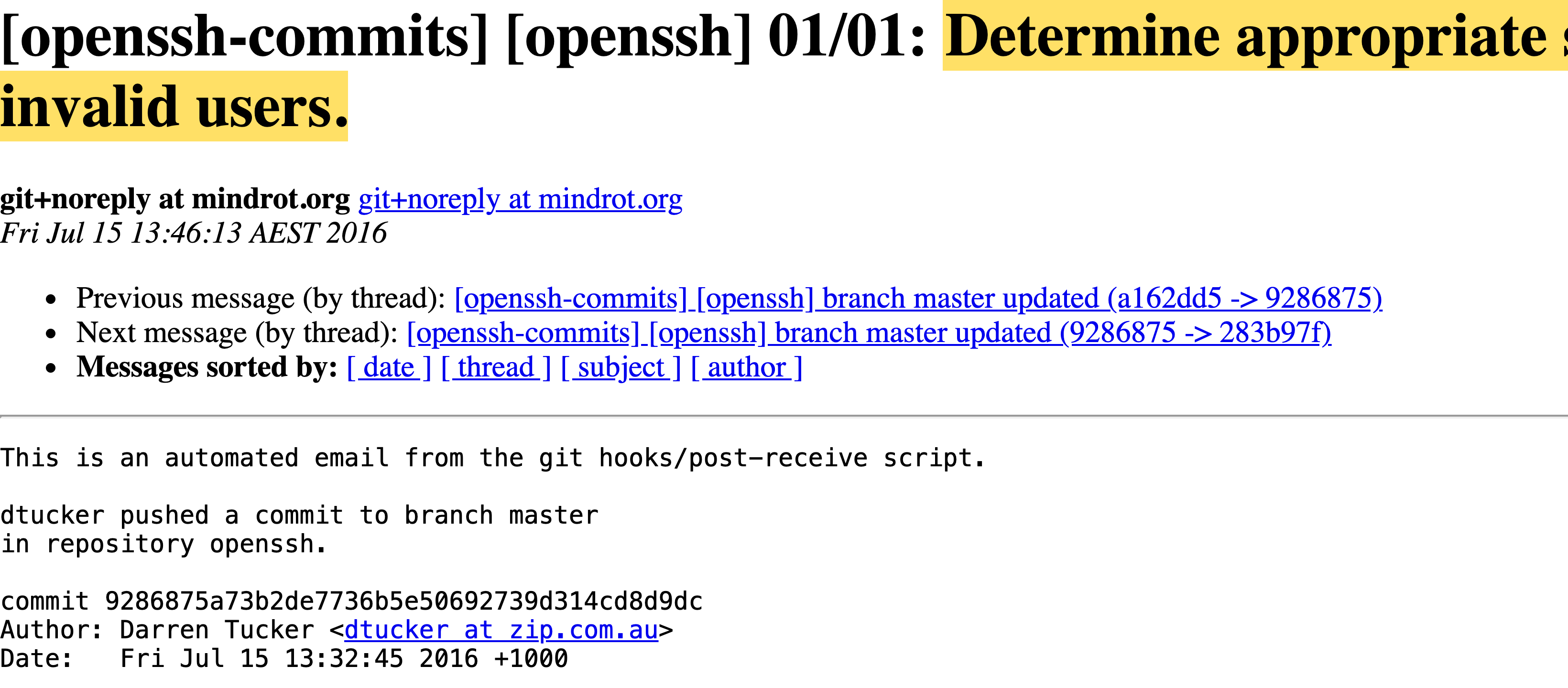
CVE-2016-6210. ask sshd about a user that doesn't exist and it says no instantly, cause there's nothing to hash. real users take a few ms longer. so just time it and you know who exists
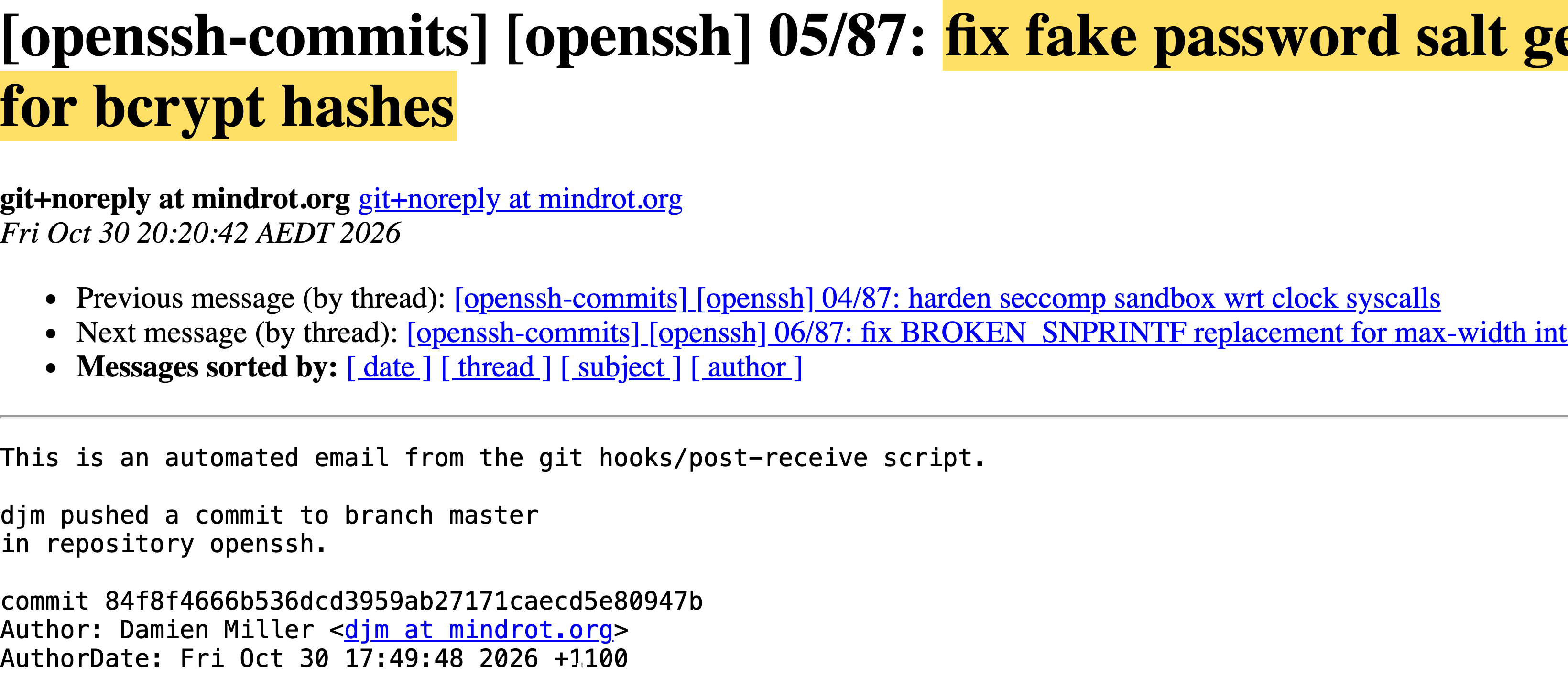
the fix is kinda funny. no real hash to check? sshd grabs some other account's salt and hashes your password anyway, just to waste the same amount of time. still a no, just a slower no
why did nobody notice? well, maybe someone did. maybe someone pasted the wrong thing into a password prompt, half a slack message or a whole ssh key, and it just let them in. you've never pasted the wrong thing into a password prompt?? amazing. a fresh box with no passwords set isn't affected. a * in shadow needs a wrong try first. openssh tests on openbsd and glibc, musl doesn't test sshd, and most distros go through pam, which never even calls crypt for a *.
so as far as anyone knows, nobody noticed. as far as anyone knows.
a security review fixes pick_salt(). the bug is four lines below it. four days before i found it.
nov 2026
how i ran into it
i was messing around with openssh, mostly the boring parts where it talks to libc, like the password code. people don't really look at that stuff, they look at the crypto. so i built sshd every way i could think of (glibc, musl, pam, no pam, shadow, no shadow) and threw like 17,600 weird logins at it. weird hashes, broken accounts, passwords way too long
oh did i say "i"? sorry. i had agent swarms. a lot of them. let's not get into it
every build agreed on every login. except musl without pam. that one said yes to things it shouldn't
tl;dr
try it
one debian box, one alpine box. type stuff. it all runs right here in your browser, nothing gets sent anywhere
debian · glibc
crypt(pw, bob's salt)
alice's field
*
alpine · musl
crypt(pw, bob's salt)
alice's field
*
are you affected?
is your sshd running on musl? (alpine, openwrt, buildroot, yocto)
is it not using pam? alpine's openssh-server doesn't by default, or maybe you set UsePAM no
are password logins still on? they are by default
is there an account with just * as its password? key-only users, ldap users, root on alpine
and some other account with a real password?
then that * account takes any password between 257 and 1024 characters
on alpine's official aws and azure images that's the default alpine user, and it has passwordless doas. so it's root
on debian, ubuntu, fedora or anything else with glibc? going through pam? dropbear? openbsd? you're fine